Description
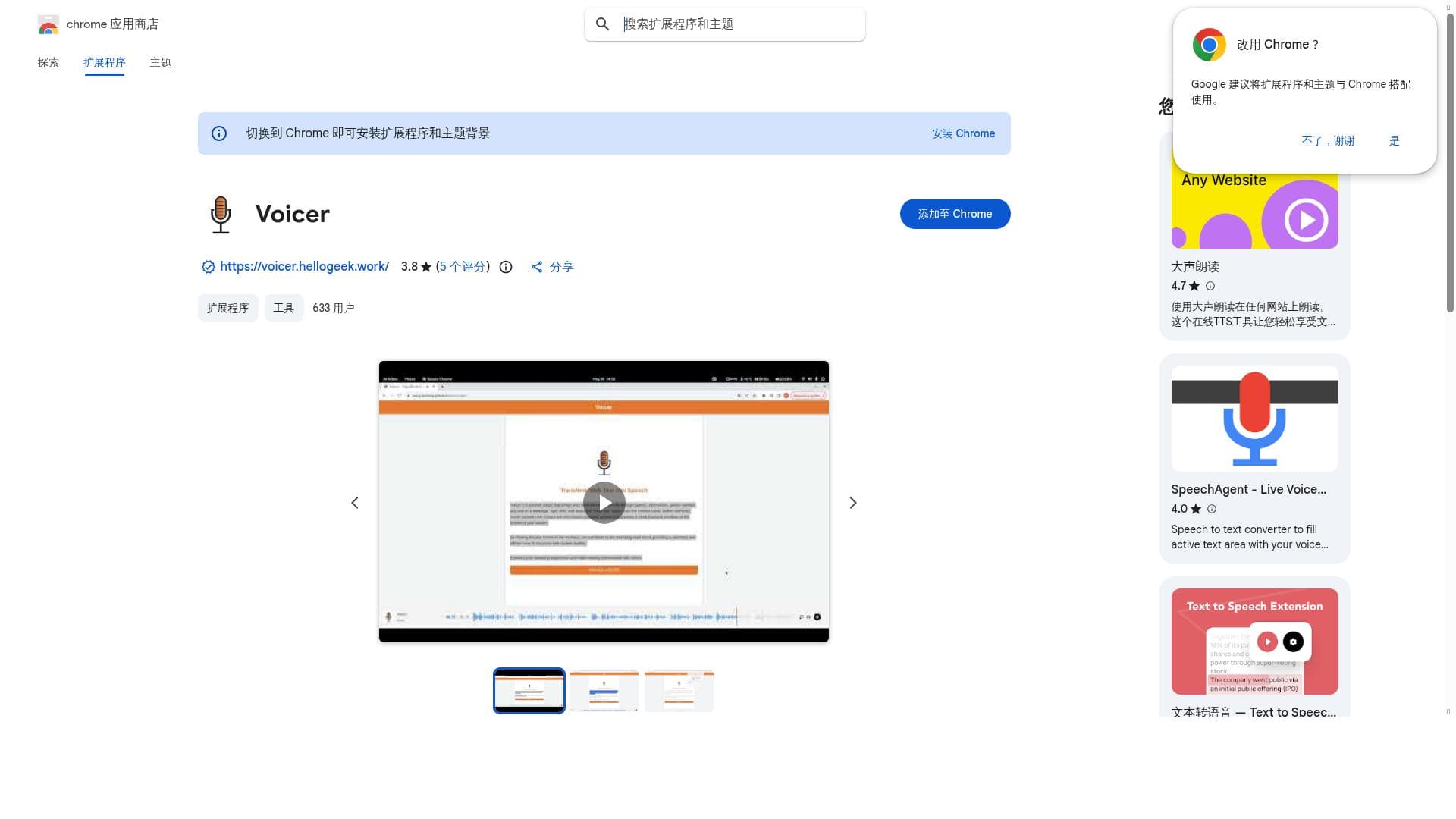
Voicer is a browser extension that brings your selected web text to life through speech. With Voicer, simply highlight any text on a webpage, right-click, and select the “Read this” option from the context menu. Within moments, Voicer converts the chosen text into natural-sounding speech and presents a sleek playback interface at the bottom of your screen.
Description
Voicer is a browser extension that brings your selected web text to life through speech. With Voicer, simply highlight any text on a webpage, right-click, and select the “Read this” option from the context menu. Within moments, Voicer converts the chosen text into natural-sounding speech and presents a sleek playback interface at the bottom of your screen.
Tool Features
- Integrates voice functionalities into Chrome browser
- Enables voice interactions for enhanced accessibility
- Supports hands-free browsing and communication
Frequently Asked Questions
What is Voicer?
Voicer is a browser extension that brings your selected web text to life through speech. With Voicer, simply highlight any text on a webpage, right-click, and select the “Read this” option from the context menu. Within moments, Voicer converts the chosen text into natural-sounding speech and presents a sleek playback interface at the bottom of your screen.
Is Voicer free?
Yes, Voicer offers a free plan.
What can Voicer do?
Voicer can: Integrates voice functionalities into Chrome browser, Enables voice interactions for enhanced accessibility, Supports hands-free browsing and communication.
Sponsored Tools












(0 Reviews)