AI for Google Slides
Description
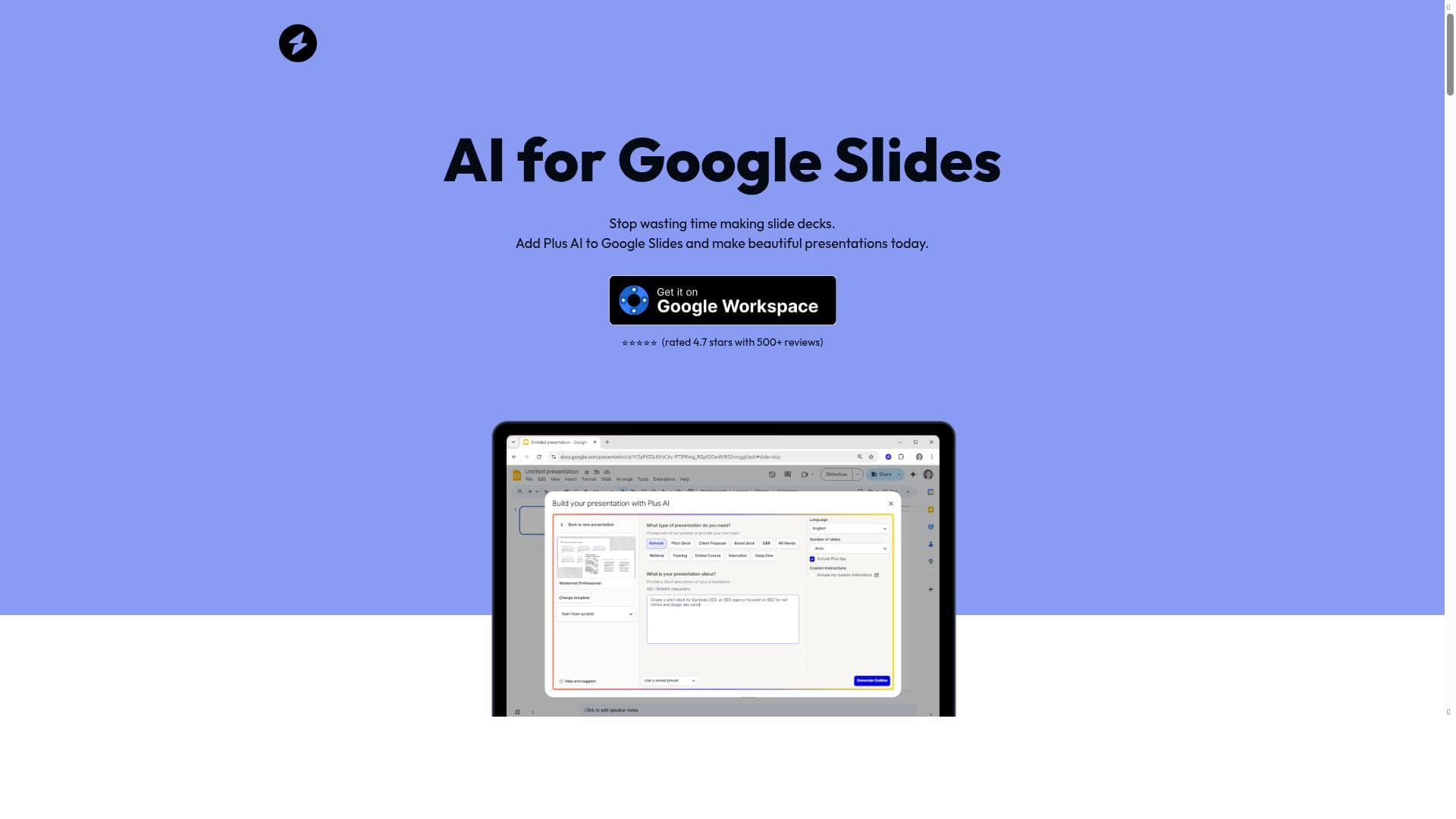
Use AI for Google Slides to quickly create new professional, presentations using AI. AI for Google Slides is an easy to use add-on that makes it easy for users to create new presentations and edit old presentations using AI - directly in Google Slides. AI for Google Slides can be installed in seconds from the Google Workspace Marketplace, and it only takes a minute to create your first presentation. Try creating a presentation from a prompt or a PDF to see the different creation options available to you with AI for Google Slides. The best part of making a new slide deck with AI for Google Slides is that it's easy to edit it and share it from Google Slides once you are done. Because it's a native add-on, it's fully compatible with your existing presentations, so you don't have to learn how to operate a new tool in order to make the most out of the AI.
aiforgslides
Tool Pricing
Paid • $15
Views
51
Impression
42
Description
Use AI for Google Slides to quickly create new professional, presentations using AI. AI for Google Slides is an easy to use add-on that makes it easy for users to create new presentations and edit old presentations using AI - directly in Google Slides. AI for Google Slides can be installed in seconds from the Google Workspace Marketplace, and it only takes a minute to create your first presentation. Try creating a presentation from a prompt or a PDF to see the different creation options available to you with AI for Google Slides. The best part of making a new slide deck with AI for Google Slides is that it's easy to edit it and share it from Google Slides once you are done. Because it's a native add-on, it's fully compatible with your existing presentations, so you don't have to learn how to operate a new tool in order to make the most out of the AI.
Tool Features
- Save hours on every presentation by reducing manual creation time by more than 30%
- Create custom-branded content with your brand colors and logo
- Compatible with existing Google Slides presentations without compatibility issues
- Use AI to create slide content, format slides, and generate presentation outlines
Frequently Asked Questions
What is AI for Google Slides?
Use AI for Google Slides to quickly create new professional, presentations using AI. AI for Google Slides is an easy to use add-on that makes it easy for users to create new presentations and edit old presentations using AI - directly in Google Slides. AI for Google Slides can be installed in seconds from the Google Workspace Marketplace, and it only takes a minute to create your first presentation. Try creating a presentation from a prompt or a PDF to see the different creation options available to you with AI for Google Slides. The best part of making a new slide deck with AI for Google Slides is that it's easy to edit it and share it from Google Slides once you are done. Because it's a native add-on, it's fully compatible with your existing presentations, so you don't have to learn how to operate a new tool in order to make the most out of the AI.
Is AI for Google Slides free?
AI for Google Slides is a paid tool starting at $15.
What can AI for Google Slides do?
AI for Google Slides can: Save hours on every presentation by reducing manual creation time by more than 30%, Create custom-branded content with your brand colors and logo, Compatible with existing Google Slides presentations without compatibility issues, Use AI to create slide content, format slides, and generate presentation outlines.
Sponsored Tools











(0 Reviews)